printCAD GitHub Download

Open source · Linux · Windows · macOS

Parametric CADfor parts youprint.

Sketches that solve as you draw, a history you can go back into, and parts laid flat on the bed, ready to print. Scroll to watch one take shape.

Sketch

Constraints solve as you draw.

Lines, arcs, splines, slots and text snap together. Lengths, radii and geometric constraints solve live, and the sketch shows what is still free to move.

Design

Features you can go back into.

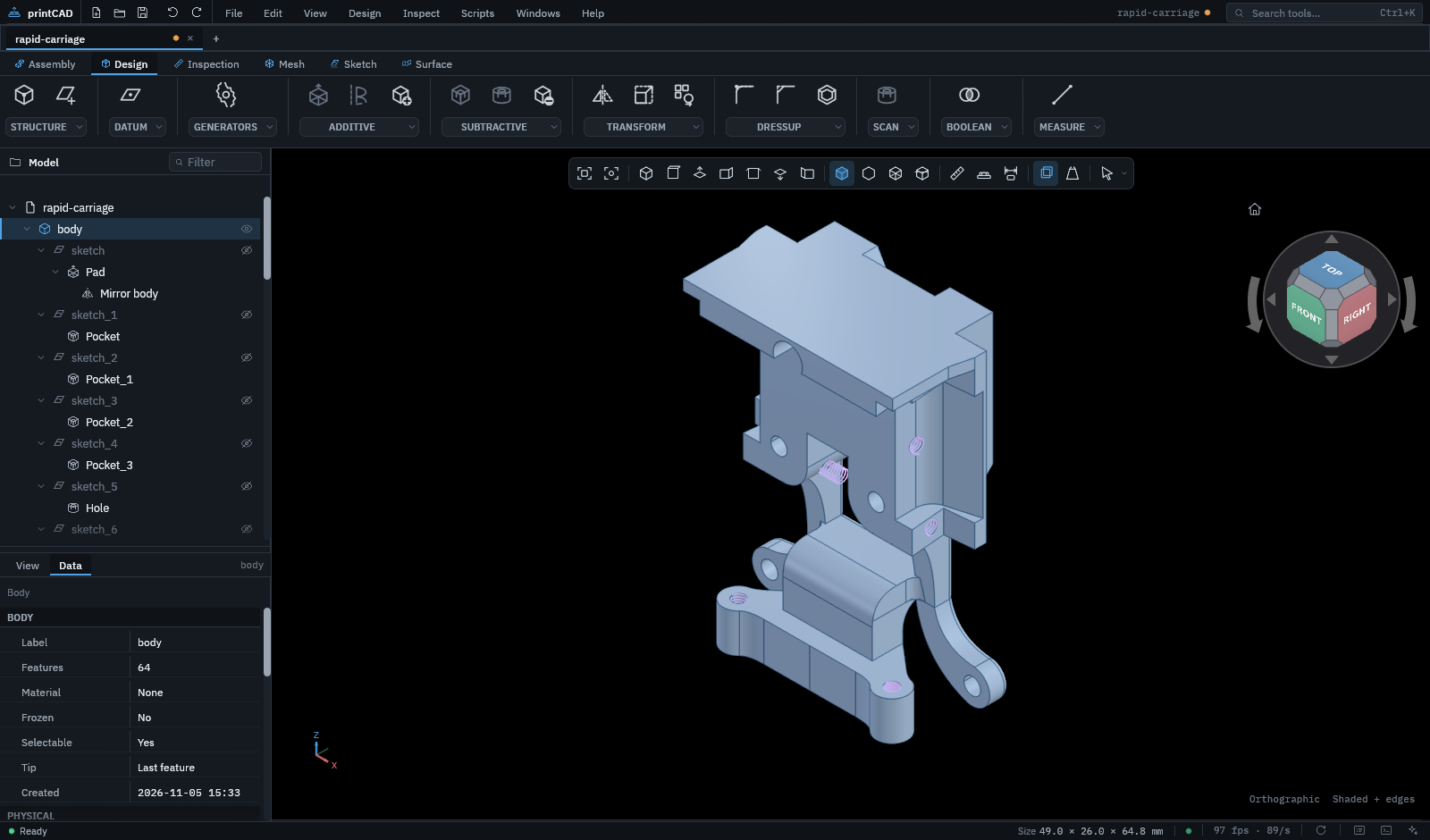
Pad, pocket, revolve, loft, pipe and helix. Every feature stays in the history, editable, with a see-through preview while you set it.

Finish

Holes to standard, rounds that follow.

Threaded holes to standard, with counterbores and countersinks. Fillets and chamfers that follow whole tangent chains, and patterns, draft and shells.

Print

Laid flat, packed, sent.

Each part laid on its largest face, as many copies as the parts list needs, packed on your bed and sent to your slicer.

SketchPadFinishPrint

Drag to turn

STEPIGESSTL3MFOBJPLYglTFVRMLDXF.prtcad

Surfaces

Shapes beyond the box, checked for smoothness.

Lofts through guide curves, sweeps along two rails, fillets between separate surfaces, sewn into solids or thickened. Then paint the result by its curvature, or run zebra stripes over it, to see how smoothly its faces meet.

saddleflatdome
A bottle: a spline profile, revolvedLoft · Sweep · Fill · Blend · Fillet · Sew · Thicken

Check

Look inside before you print.

Cut through any part with a clipping plane, measure lengths, radii and angles, and check that parts in an assembly do not collide.

A plate cut through a plain hole, a counterbore, a countersink and a modeled thread

Print

Made for the printer.

Textures pressed into the exported mesh
A nut trap, sized from the nut's standardM5 · ISO 4032

Print layout

Each part flat on its largest face, copies packed plate after plate.

Filament use

Volume and mass of every part in the material you print with.

Threaded holes

Metric, inch and pipe threads, with counterbores, countersinks and modeled threads.

Generators

Gears, sprockets, shafts and keyways from a few dimensions.

Assemblies

Joints, motion, interference checks and a parts list.

Scans and inspection

Fit shapes to a scan, measure it against the model, and model a part over it.

Variables

Dimensions that follow named variables, and configurations that switch a part between sizes.

Imports that keep their data

STEP and IGES with their tolerances and notes, meshes that convert to solids.

Straight to the slicer

STL or 3MF meshed afresh, sent to the slicer you use.

Script

Every tool is a command.
Script it, or let an agent.

console · Lua 5.4ready
  • Record and replay. Every action you take is a command, so a session becomes a script.
  • AI agents. An assistant beside the model calls the same commands and, if you choose, asks before it changes anything.
  • Headless. printcad --script builds parts on a server or in CI.

Community

Workbenches anyone can write.

A workbench package adds tools, features, panels and commands, written in Rust and compiled to WebAssembly: one sandboxed file runs on every system. Install them from the store inside printCAD, or from any GitHub address.

Early days. The packages in the store today are examples and experiments, written to show what a package can do. Try them, but do not rely on them for parts that matter yet.

Write your own

Start from the example repository, with its build, tests and releases already set up, and the SDK from crates.io. Publish a release, add it to a store, and it installs from inside the app.

# bench.toml
id = "acme.hello"
name = "Hello"
version = "0.1.0"
api = "printcad:workbench@0.1"

$ cargo build --release \
    --target wasm32-wasip2

Download

Free, open source, yours.

Built in Rust on wgpu, with a pure-Rust geometry kernel